
How to Use WhatsApp Business to Grow Your Bahamian Company
The Channel Your Customers Are Already On
When a Nassau customer wants to reach a business, they WhatsApp. When a Family Island resident needs to order something from Nassau, they WhatsApp. When a tourist needs information about a tour or restaurant, they WhatsApp.
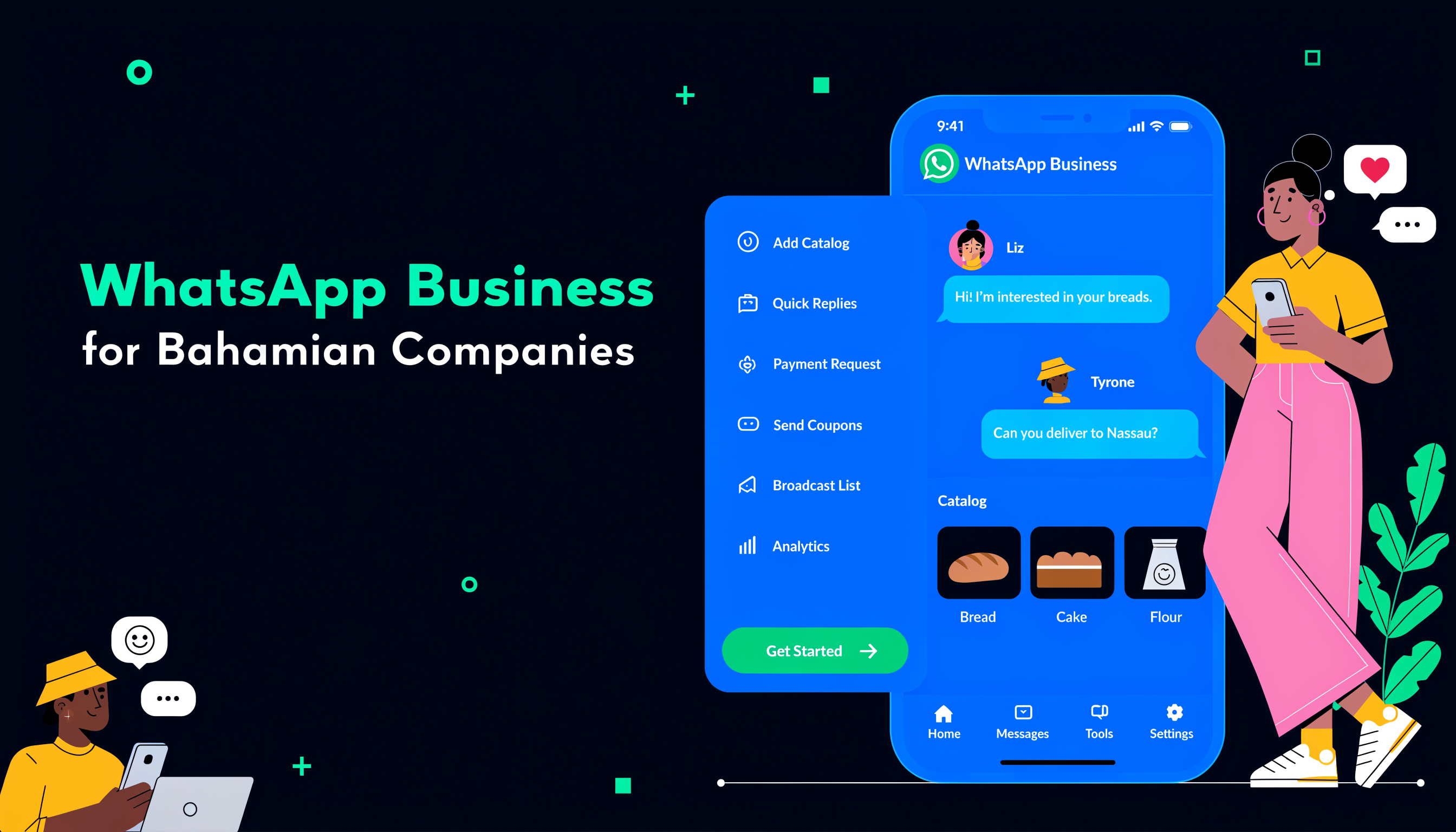
WhatsApp Business is free, and it transforms how you use WhatsApp as a professional tool — with business profiles, quick replies, automated greeting and away messages, and a product catalog.
The Four Most Powerful Features
Quick Replies: Keyboard shortcuts that expand into full messages. Type /hours and your full hours message appears instantly. Create shortcuts for pricing, booking links, delivery terms, and FAQs. Setup: Settings → Business Tools → Quick Replies.
Automated Greeting Message: Sends the first time a customer contacts you. Set expectations and convey professionalism even when no one is available to respond. Example: "Thanks for contacting [Business Name]. A team member will respond within [timeframe] during business hours."
Away Message: Sends automatically outside business hours. Without it, customers who contact you at 8pm see nothing and may assume you're ignoring them.
WhatsApp Catalog: A digital product/service listing customers can browse within WhatsApp. Include photos, names, prices, and descriptions. When someone asks "what do you sell?" share your catalog link instead of typing a list.
Building Your Contact Strategy
Create a click-to-chat link (wa.me/[number]?text=[pre-written message]) and put it everywhere: your website, email signature, business cards, social media bios. Make it easy for customers to start a conversation.
Use WhatsApp Status (3-5 posts per week) to reach your entire contact list with product photos, promotions, and behind-the-scenes content at zero cost. Use broadcast lists to send monthly promotions to customers who've agreed to receive them.
For Specific Business Types
Retail: Share new arrivals via Status, accept orders for delivery, send order confirmations. Create a Google Form order form linked from your profile.
Service businesses: Receive quote requests with photos, send quote PDFs as attachments, coordinate scheduling, share job progress photos.
Family Island businesses: WhatsApp works on basic smartphones with limited data. It serves as both CRM and communication in one, and Sand Dollar payment confirmations can be shared via WhatsApp.
When to Scale Up
When your message volume grows beyond what one person can manage, WhatsApp Business API integrates WhatsApp with your CRM. Zoho CRM's WhatsApp integration allows your team to communicate directly from within the CRM — every conversation becomes part of the customer record.
If you'd like to connect WhatsApp Business to your CRM or build automated conversation flows, book a consultation with the Digitize Bahamas team.
Tags
Ready to Transform Your Document & Records Management?
Get a free assessment and see how Docu Island can help your business
Get Free AssessmentRelated Articles
The Bahamian Business Guide to E-Commerce in 2029
E-commerce in the Bahamas has evolved from "nice to have" to "how do customers find and buy from you." This guide covers what's working, what's not, and the realistic options for Bahamian businesses.
Aug 7, 2029The Bahamian Business Guide to Content Marketing: What Works Without a Marketing Team
Most content marketing advice is written for companies with a marketing team. This guide is for the Bahamian business owner doing it themselves.
May 1, 2029Local SEO for Bahamian Businesses: How to Be Found Online in 2029
Before almost every visit to a local business in 2029, there's a search. Local SEO determines whether you appear in that search — or your competitor does.
Apr 24, 2029