
WhatsApp Business for Bahamian Companies: How to Use It for Sales and Support
Your Customers Are Already There
WhatsApp has near-universal penetration among Bahamian adults. Every business is already getting WhatsApp messages from customers. The question is whether you're using it strategically or just reactively responding to individual messages on a personal phone.
WhatsApp Business vs Personal WhatsApp
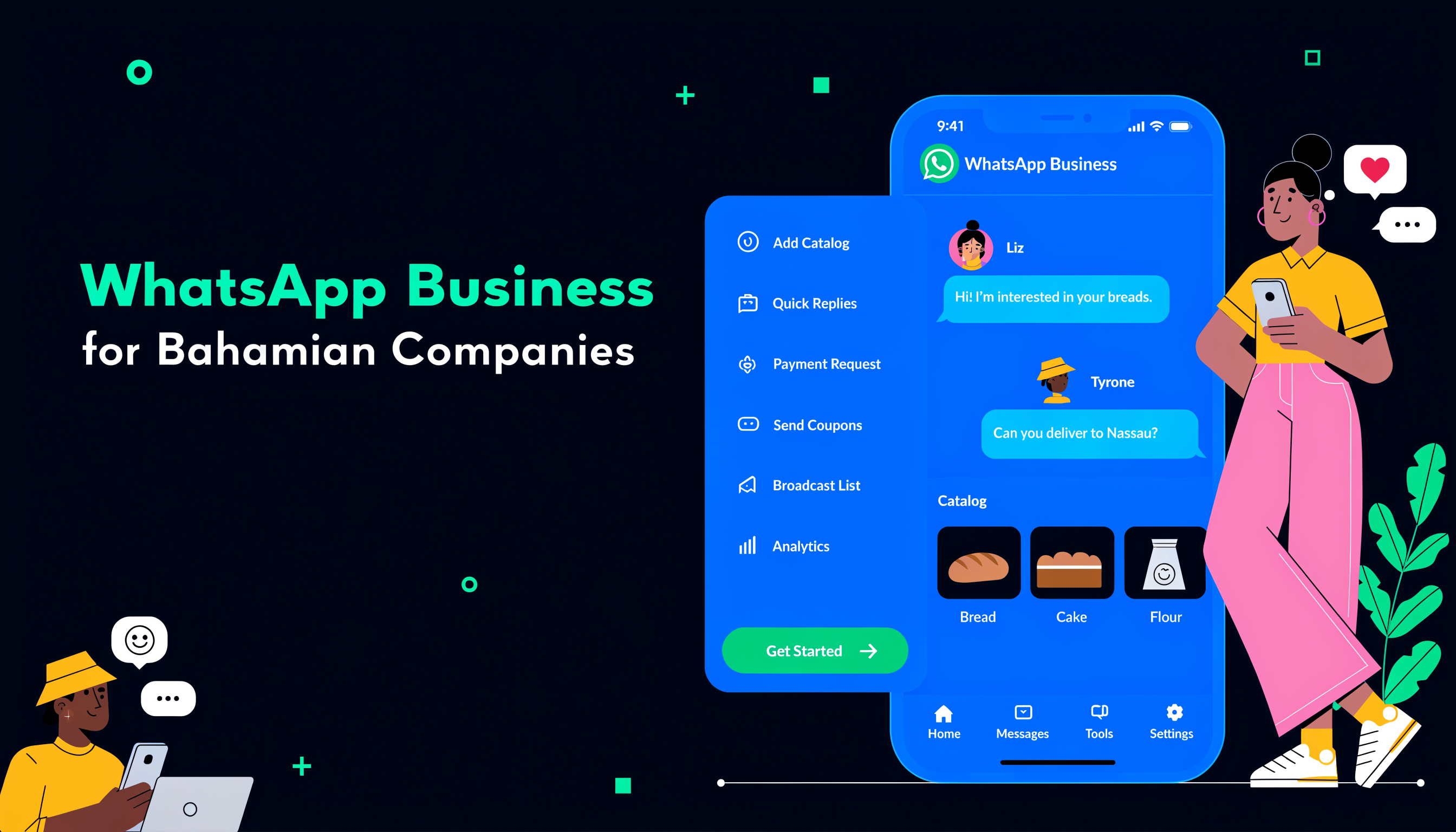
WhatsApp Business (free app) adds: a Business Profile with hours, address, and website; automated greeting and away messages; quick replies for common questions; product catalog for browsing; labels for organizing conversations; and business statistics. Using a personal WhatsApp number for business creates a structural problem — customers contact a personal number, making it impossible to hand off to staff or set boundaries.
Setting Up Your Business Profile
Business name (exact legal name or recognized trade name), business category, business description (2-3 sentences with keywords), business hours, address, email, and website. A complete profile creates trust. Incomplete profiles look like personal accounts being used informally.
Automated Messages That Save Time
Greeting message (sent when customer messages for first time or after 14 days), away message (sent when outside business hours — include hours and response time expectation), and quick replies (/ shortcuts for frequent responses like pricing, location, hours). These three alone save 30-60 minutes per day for many Bahamian businesses.
Using Catalogs for Products and Services
The WhatsApp catalog lets you create a browsable list of products or services with photos, descriptions, and prices. For retail businesses, tourism operators, and service businesses, this turns WhatsApp into a self-service discovery tool. Customers browse your catalog, select what they want, and message you directly — pre-qualified and already knowing what they want.
Labels for Pipeline Management
Labels are WhatsApp's basic CRM functionality. Create labels like New Lead, Quote Sent, Paid, Follow Up, VIP. Apply to conversations. This turns your WhatsApp inbox into a visual pipeline. Not a replacement for a real CRM, but infinitely better than an unlabeled inbox of 200 conversations.
WhatsApp for Customer Support
Routing support to WhatsApp reduces phone call volume, creates a written record, allows sharing photos/videos, and enables after-hours self-service via away messages. Set expectations: ideal response time under 2 hours during business hours. Use labels to track unresolved issues.
WhatsApp Business API for Larger Operations
Larger businesses can access the WhatsApp Business API through approved providers. This enables CRM integration, automated workflows, multiple agent access, and broadcast messaging to opted-in customers. Zoho SalesIQ and similar tools integrate WhatsApp Business API with full CRM functionality.
What Not to Do
Don't broadcast unsolicited promotional messages (violates ToS, damages reputation), don't use WhatsApp as your only customer service channel (single point of failure), and don't have customer relationships living in a personal phone that belongs to one employee.
Need help setting up WhatsApp Business or integrating it with your CRM? Contact Digitize Bahamas.
Tags
Ready to Transform Your Document & Records Management?
Get a free assessment and see how Docu Island can help your business
Get Free AssessmentRelated Articles
AI Tools for Bahamian Businesses: What's Actually Useful Right Now
The AI conversation often sounds like science fiction. This post cuts through the hype and focuses on what AI tools are doing practical, revenue-generating work for Bahamian businesses in 2029.
Jul 10, 2029Hurricane Season Business Continuity: The Digital Preparation Checklist for 2029
Hurricane season runs June through November. For Bahamian businesses, digital preparation isn't optional — it's the difference between recovery and closure. Here's the 2029 checklist that actually matters.
Jul 3, 2029Retail Automation for Bahamian Shops: Inventory, POS, and Beyond
Retail automation for Bahamian shops isn't about robots — it's about inventory tracking, POS integration, and reorder triggers that save time and prevent stockouts.
May 29, 2029